



Atoriz connector · MCP

One conversation, start to finish

The website keeps Recon, the Estimator and OPS in separate tabs. The connector puts them in one chat: your assistant carries each answer into the next tool, waits on the long steps in the background, and stops only where the decision is yours. Five chains to copy, what carries forward in each, and where each one stops for you.

  • 5 chainsEach with the prompt to copy and the tools it runs.
  • 3 products, one chatRecon, the Estimator and OPS, each answer carried into the next.
  • 3 stops stay yoursPhoto confirmation, budget approval, every decision in OPS.
  • 0 tools move moneyNothing is paid, wired or ordered by the connector.
The flagship chain

From a city to a job your crew can start

Six steps across three products. The assistant runs the first four on its own, carrying the property id forward; the fifth is your signature; the sixth hands the plan to OPS and starts the materials research. Copy the prompt, swap in your city. Steps 3, 4 and 6 run on the development connector first; production follows the promotion.

Ask your AI

“Find the best flip in your city. Show me the comps behind its ARV, work it up from the listing photos, run the full underwriting report, and when I’ve approved the budget, send the plan to OPS and start the materials research.”

  1. Five clay houses on a stepped bronze podium, the top one lit: the ranked deal board.
    Step 1

    Screen the market

    • Tool market_screen: the board’s listings ranked with the picks first (an offer at or near the asking price, on a value that is not rough), each with rehab and max offer.
    • Carries forward the top pick’s property id, address and market, which every later step takes.
    • Your part none; a read.
    • How long seconds.
  2. Four matching clay houses with bronze map pins; the lit one is the subject, the others its comparable sales.
    Step 2

    Check the comps

    • Tool comps on that property id: the recent sales, the value they imply, and how far the model sits from them.
    • Carries forward the same property id; the gap goes into the report’s reading.
    • Your part none; a read.
    • How long seconds.
  3. A cutaway clay house with photo prints tied to its rooms by bronze thread: listing photos matched to rooms.
    Step 3

    Work it up

    • Tool workup_start on the property id; the assistant follows workup_status (or its task) until done or blocked.
    • Carries forward the workup id, and the estimator’s case of record behind it.
    • Your part if it stops on await_photo_confirmation, only you can say the listing photos show the house as it is now.
    • How long several minutes, in the background.
  4. A bound report with a bronze clip and bar-chart blocks beside a clay house: the full underwriting report.
    Step 4

    Run the full report

    • Tool deal_package_start on the property id; deal_package_status until it finishes. The assistant reads usable_for_offer before quoting a number.
    • Carries forward the package id; comps, offer tiers, risks and flip versus rent for the same house.
    • Your part none; a read once started.
    • How long 9 to 14 minutes, plus up to 3 for its review, in the background.
  5. Step 5

    Approve the budget

    • Tool none. workup_send_to_ops answers approval_required with the Recon approval link until a person has signed.
    • Carries forward the approval, recorded on the case.
    • Your part you sign in Recon. The assistant shows you the link; it cannot approve for you, and an edit after approving makes the approval stale.
    • How long a minute of yours.
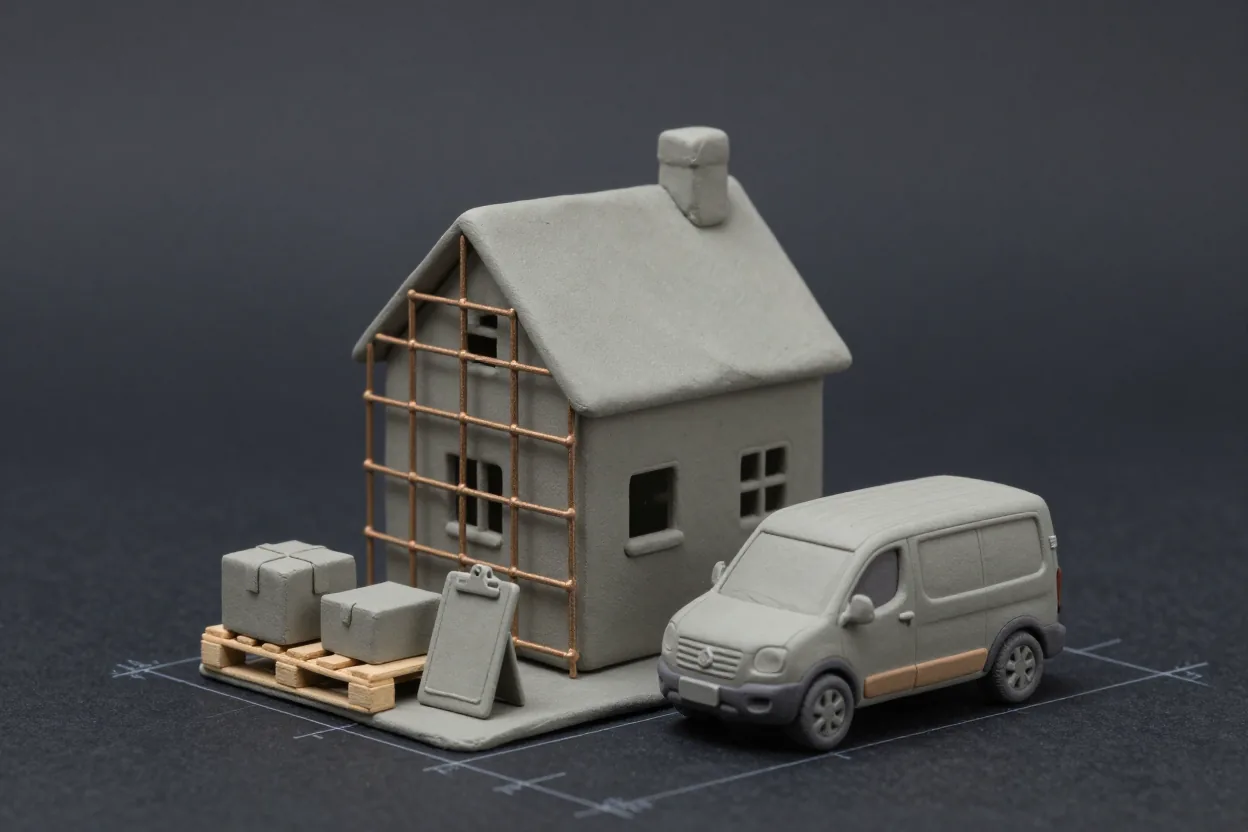
  6. A clay house in bronze scaffolding with a materials pallet and a work van: the plan handed to OPS.
    Step 6

    Send it to OPS and start the research

    • Tool workup_send_to_ops on the workup id, then ops_materials_list to find the job’s import in OPS and ops_materials_run on it (OPS asks you to approve the run), then ops_materials_summary, ops_materials_queue and ops_materials_propose.
    • Carries forward the hand-off id and the research run id; counts of lines researched, verified and buyable, and a proposed decision with evidence for each open line.
    • Your part approving the run, and every decision after it: matches, pack sizes, products and any purchase order are your approvals on OPS’s approval page or in OPS. Nothing is bought.
    • How long the run takes minutes to an hour in OPS’s background, under its own caps.

When a step stops, the assistant says why and what you can do: a blocked workup names its block and the choices, a refused send carries the approval link, and a report that contradicts itself says it is not usable for an offer. It never fills a gap with a number of its own.

Four more chains

Shorter chains for the questions investors ask every day

Each runs in one ask. The steps are the tools the assistant calls, in order, and what each hands the next.

Chain A

One address, four angles

For the investor deciding on one listing. Four reads, one property id, all back in the same answer.

Ask your AI

“For address: what should I offer with hard money at 11% and 2 points, how do the comps compare to the ARV, what does adding a full bath do to the value, and does it work as a rental at 1,650 a month?”

  1. 1
    deal_underwrite with the hard-money presetARV with its range, rehab and the offer, every term shown.
  2. 2
    compsthe sales behind the ARV and the gap to the model.
  3. 3
    value_whatif with bath_delta 1the value change, and whether two models agree.
  4. 4
    rental_screen with your rentcash flow, DSCR, cash-on-cash, the loan the rent carries, the BRRRR.

All read-only and seconds each. Nothing to approve. Off the board, give square footage, beds, baths and your ARV once; the assistant reuses them.

Chain B

No board? Start anyway

For any US address, including one Atoriz has never scored. The first look and the full workup build on the same house.

Ask your AI

“First look on address: 1,850 sq ft, 2 baths, fair, worth 340K fixed up. Then find the listing photos and turn it into a full workup. When it is done, make the kitchen mid-tier and publish a page for my lender.”

  1. 1
    workup_start with first_look and the factsa priced first look in under a minute, with the systems it did not price named.
  2. 2
    listing_photos, then workup_start again on the same housethe full workup from the photos (or your walkthrough video), in the background.
  3. 3
    workup_edit with the kitchen tierthe new budget and offer beside the old, with the difference.
  4. 4
    workup_publish with your disclosurea page your lender can open.

Two stops are yours: whether the listing photos show the house as it is today, and the word to publish (anyone with the link sees the address and the numbers). Workups and deal packages are on the development connector first; production follows the promotion.

Chain C

Market first

For the investor choosing where to buy before what to buy. One market key becomes one property id.

Ask your AI

“How is the market in your city doing? Then show me the five best flips, underwrite the top one as cash, and run the full report on it.”

  1. 1
    market_report with ledes_onlythe weekly report’s headlines and how far to trust them.
  2. 2
    market_screen with top_n 5five ranked listings with rehab and max offer.
  3. 3
    deal_underwrite with the cash presetthe top listing on your terms.
  4. 4
    deal_package_start, then deal_package_statusthe full report, 9 to 14 minutes in the background.

A city with no board is not a dead end: the assistant answers from the report where one exists and offers a first look, which says whether a local rate book or a national default priced it (Chain B). Step 4 runs on the development connector first; production follows the promotion.

Chain D

From an approved plan to purchase decisions

For operators with OPS. The connector reads and proposes; people decide.

Ask your AI

“Send the approved workup to OPS and start the materials research on it. When it is done, tell me what is verified, what is buyable, and what each open line’s own evidence suggests.”

  1. 1
    workup_send_to_opsthe plan becomes a proposed job in your workspace.
  2. 2
    ops_materials_run on the job’s importthe research run, approved by you in OPS, running under its spend and provider caps as a background task.
  3. 3
    ops_materials_summary and ops_materials_queuelines researched, verified and buyable as separate counts; the decide list grouped by what you decide.
  4. 4
    ops_materials_proposefor each eligible line, the decision its own evidence names, for you to apply.

Every decision and every draft purchase order is approved by you on OPS’s own approval page or in OPS, and a draft purchase order carries no purchase authority. OPS, not the assistant, searches retailers; the connector never approves a row or moves money. Workups and deal packages are on the development connector first; production follows the promotion.

How a chain holds together

Handles, background tasks and three honest stops

Handles, not memory
Every tool that creates something returns an id: a property id from the board, a workup id, a package id, a research run id. The assistant carries them from one call to the next, and the server checks on every call that the id belongs to your account. A new chat starts fresh: ask for workup_list or give it the id, and the chain picks up where it left off.
Long steps run in the background
A workup or a full report answers at once with its id, then runs for minutes. The assistant follows it, or your client’s task support does, while the conversation continues. The limits are stated when hit: two unfinished workups and ten starts a day; two unfinished reports and five a day.
Retries are safe
Every tool that writes takes an idempotency key. If a network blip makes the assistant retry, the second call returns the first call’s result instead of starting a second workup or report.
Errors say what to fix
A refusal carries a code, a hint, whether it is worth retrying and a trace id to quote to support. A market with no board names the served markets; a house off the board says what facts a first look needs.
Three stops stay yours
Only you can say listing photos show the house as it is today. Only a person approves a budget, in Recon, from the link the assistant shows. Every decision in OPS is a person’s approval, including any draft purchase order. A workup is published only when you ask.
What never chains
Money. No tool pays, wires, trades or raises a purchase order with authority, on any plan. Figures are screens and estimates, not appraisals or advice.
Good to know

Before you chain

Can a chain run unattended?

Up to a stop that is yours, yes: the assistant screens, reads, starts and follows the long steps on its own. It cannot confirm photos, approve a budget, publish a page or decide in OPS for you, and it will tell you when it has reached one of those.

Which plan do I need?

The tools follow your products. Deal and market tools come with Recon and Intelligence, workups with Scope and Estimator, the OPS steps with OPS. A chain that reaches a tool your account lacks says so by name instead of failing quietly. The connector reference lists which plan includes which tools.

What if a step fails halfway?

The earlier steps stand: a finished workup, a finished report and a sent hand-off keep their ids. The assistant reports the refusal in the tool’s own words, with its code and hint, and continues from there once you have answered it.

Does it work in every assistant?

Every chain here runs in any assistant that supports remote MCP with OAuth. Assistants that support background tasks and in-chat cards (ChatGPT and Claude today) show the long steps as tasks and the approval as a link in the chat; others get the same result as text. Connect your AI has the setup for each.

Run the flagship chain in your market.

Add the server, sign in with your Atoriz account, paste the prompt, and watch one conversation carry a house from the board to the job site.